
December 2025 | This page displays the InfoWorks tree object explorer in read-only, and the details of the selected object.
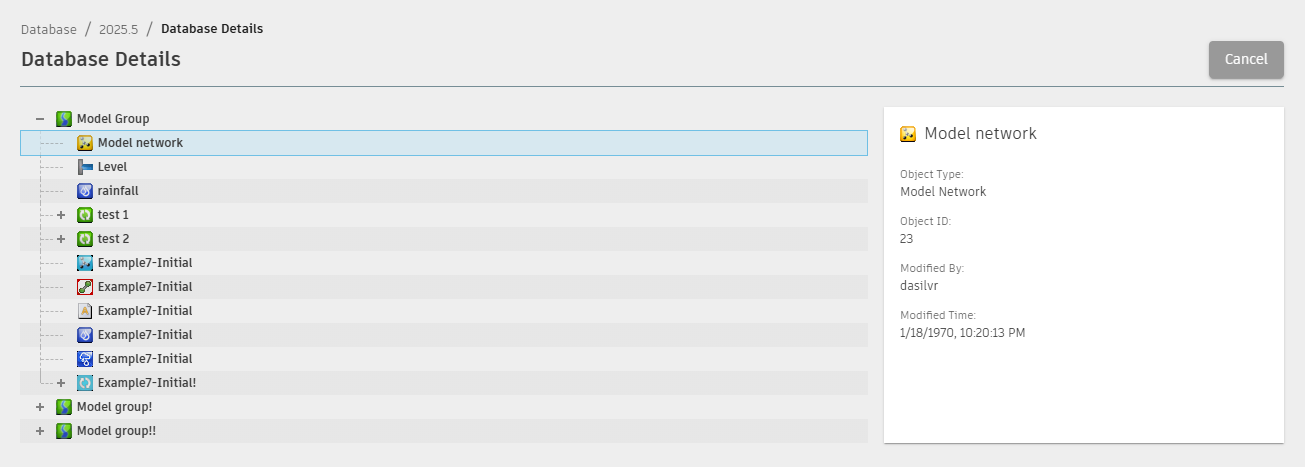
Clicking a database row in either Active or Deleted tab displays the Database details, where the InfoWorks tree object explorer is shown in read-only and the details of the selected object are displayed on the right hand side.
See Database details for additional information.
In earlier releases, clicking a database row would open the Database backups page. The
Database backup option has been moved and can now be accessed from the
 (vertical ellipsis) in the Active or Deleted tab in the
Data management page, where the Backups option is available.
(vertical ellipsis) in the Active or Deleted tab in the
Data management page, where the Backups option is available.