
Create a point at a vertex
Learn how to use the Point At Vertex tool to create a construction point at a location you select in Fusion. You can use snap points on geometry—for example vertices, face centers, edge points, edge centers, and sketch points. On curved surfaces such as spheres, cylinders, and tori, tangential snap points are available when you hover.
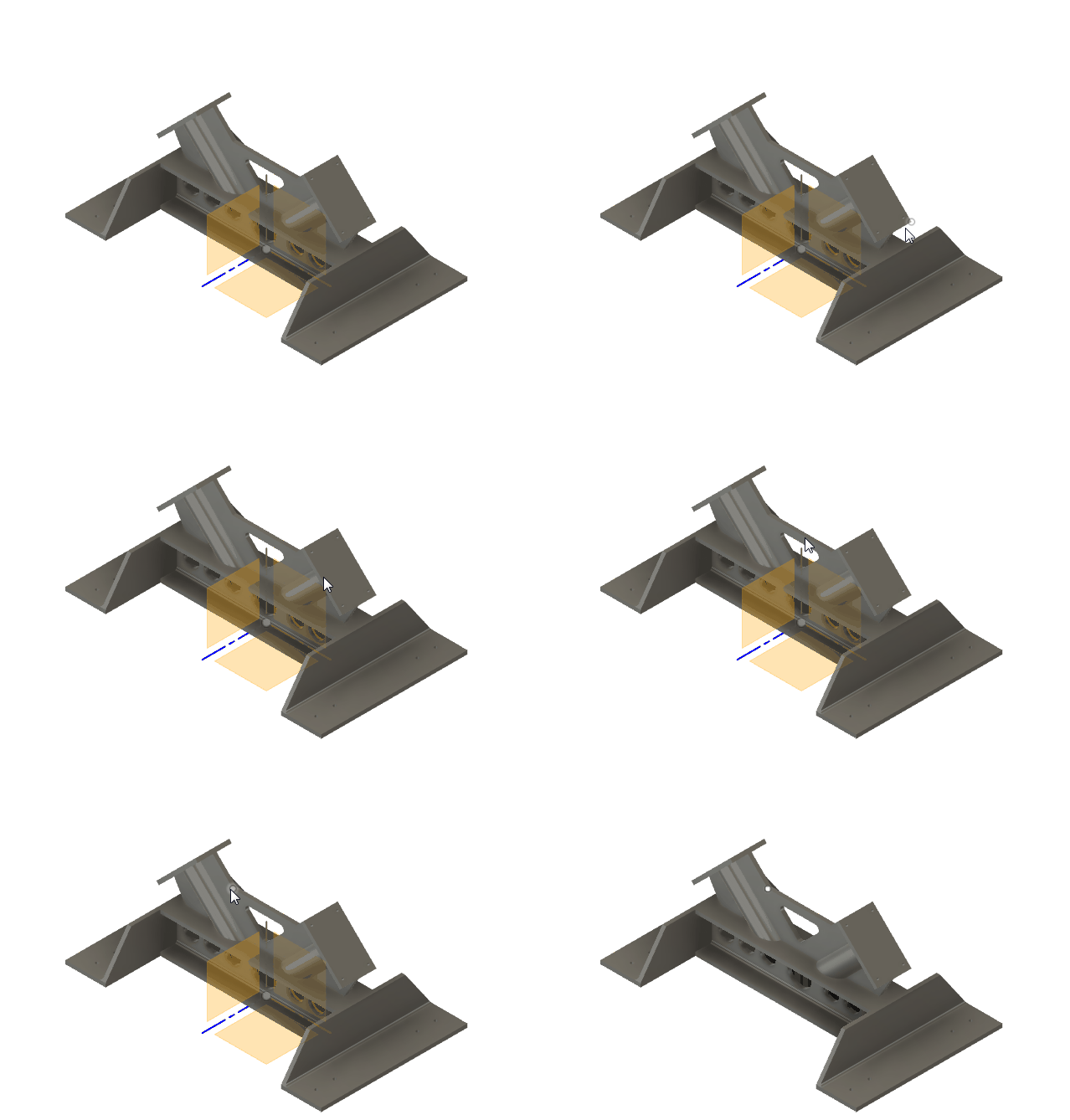
On the toolbar, select Construct > Point At Vertex
 .
.The Construction Geometry dialog displays, Type is set to Point and Method is set to At Vertex.
In the canvas, move the pointer over geometry and select a snap point or vertex.
Click OK.
The new construction point displays in the canvas at the location you selected.
Tips
- You can only create one construction point at a time.
- Create construction points when you want to reference a point that does not exist as a single vertex.
- On curved faces, tangential snap points are computed for you as you hover.
- To change the selection after you create the feature, select it in the timeline or browser and use Edit Feature.