About assembly variants
Product variants are a useful way to record a series of similar PCB designs with different components to support different functionality. The original design is the most complete version. Variants are created with components not populated (removed) or with different values.
Assembly variant support in workspaces
Assembly variants are supported in schematics and 2D PCB documents. You can switch between variants in the Schematic, which will be synchronized to the 2D PCB..
- Schematic: Create, edit, and switch between assembly variants.
- 2D PCB: Synchronizes with active assembly variant in Schematic.
- 3D PCB: Supports only the Base variant.
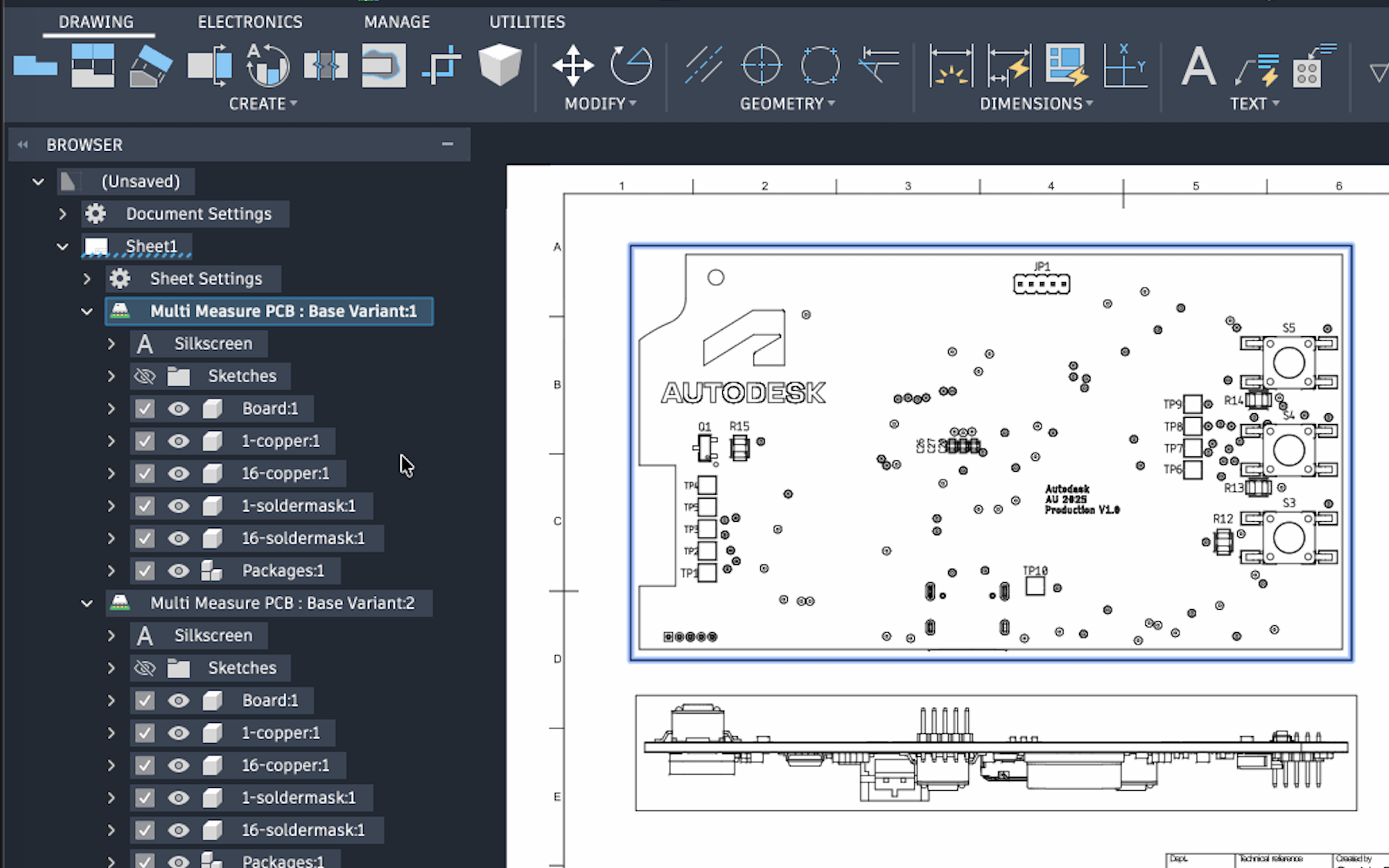
- Drawings: Supports only the Base variant.
Note:
3D PCB and Drawings display only the Base variant. Switching variants in the Schematic does not update these document types.
To help identify the active variant, the browser displays a Base Variant node:
- 3D PCB: The browser shows the document name followed by "Base Variant" (for example,
Document Name : Base Variant). - Drawings: If you place multiple base views from an Electronics design, 3D PCB, or ECAD-MCAD assembly, the browser shows
PCB doc name : Base Variant : Copy numberto distinguish each view.