You can draw an offset underground or overhead line along any pline, arc, or FDO base map line in your drawing. You can draw the offset line along one line and then shift to other lines as needed. For example, you might follow a street center line until you come to an intersection and then follow a different street line.
- Click Home tab
 Electric Underground or Electric Overhead panelDraw Underground Line or Draw Overhead LineCreate Primary Line or any option that creates an underground or overhead line.
 You can also start the command from the Feature Library, the Model Viewer, or the command line.
The command line displays the following prompt:Specify start point or [Offset]:
- Press o then press ENTER to enter Offset mode.
- Select the line from which to offset the underground or overhead line.
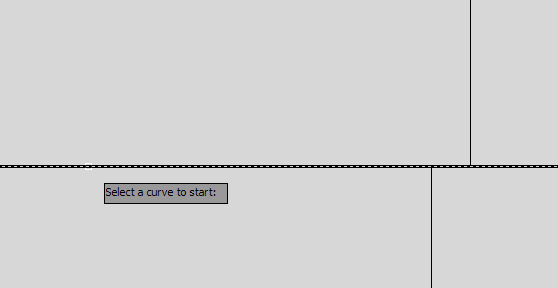
- Click to specify the offset distance.
- Click to specify the start point of the offset line.
- Click to specify the next point of the offset line. If you plan to end the line, click the end point. If you plan to continue offsetting from a different line, click any point and click Offset as instructed in the next step. The correct offset distance will be applied when you continue.
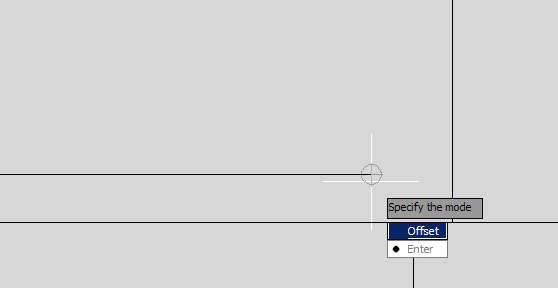
- Do either of the following:
- Select Enter to end Offset mode and continue drawing the line in standard mode or to complete the line.
You can reenter Offset mode when prompted to specify the next point by pressing o followed by ENTER.
- Select Offset to remain in offset mode but offset from a different line. Select the next line to offset from. Continue drawing the line in offset mode from the new line. When you complete the offset line, press Enter to end Offset mode.
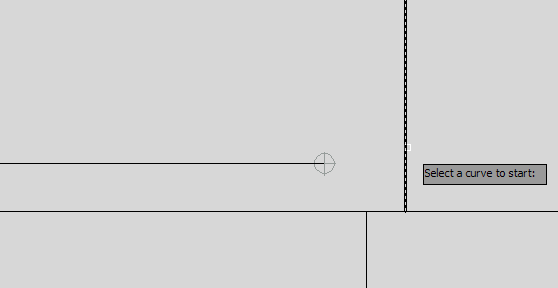
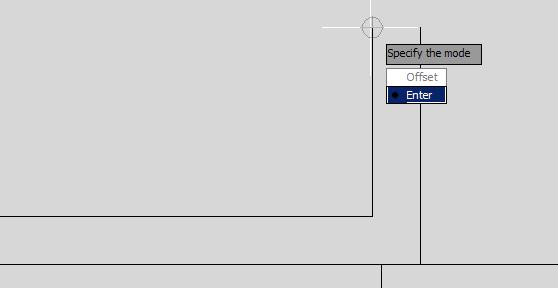
- Select Enter to end Offset mode and continue drawing the line in standard mode or to complete the line.
- Press ENTER to complete the line.
- Press ESC to end the underground or overhead line command.