Learn about new features in this release of AutoCAD Architecture 2027 toolset. For technical details, see the release notes.
Highlights

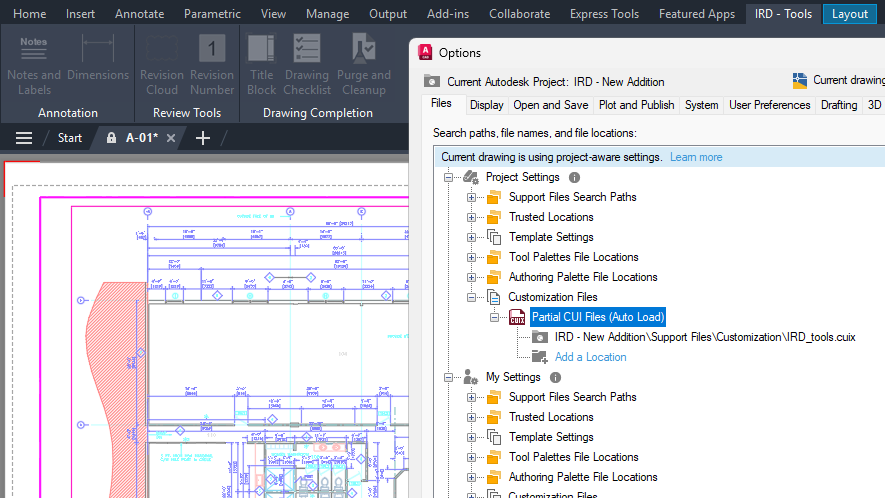
Quality improvements
- Using the LAYERORDER command
- Using the SETCURRENTPROJECT command
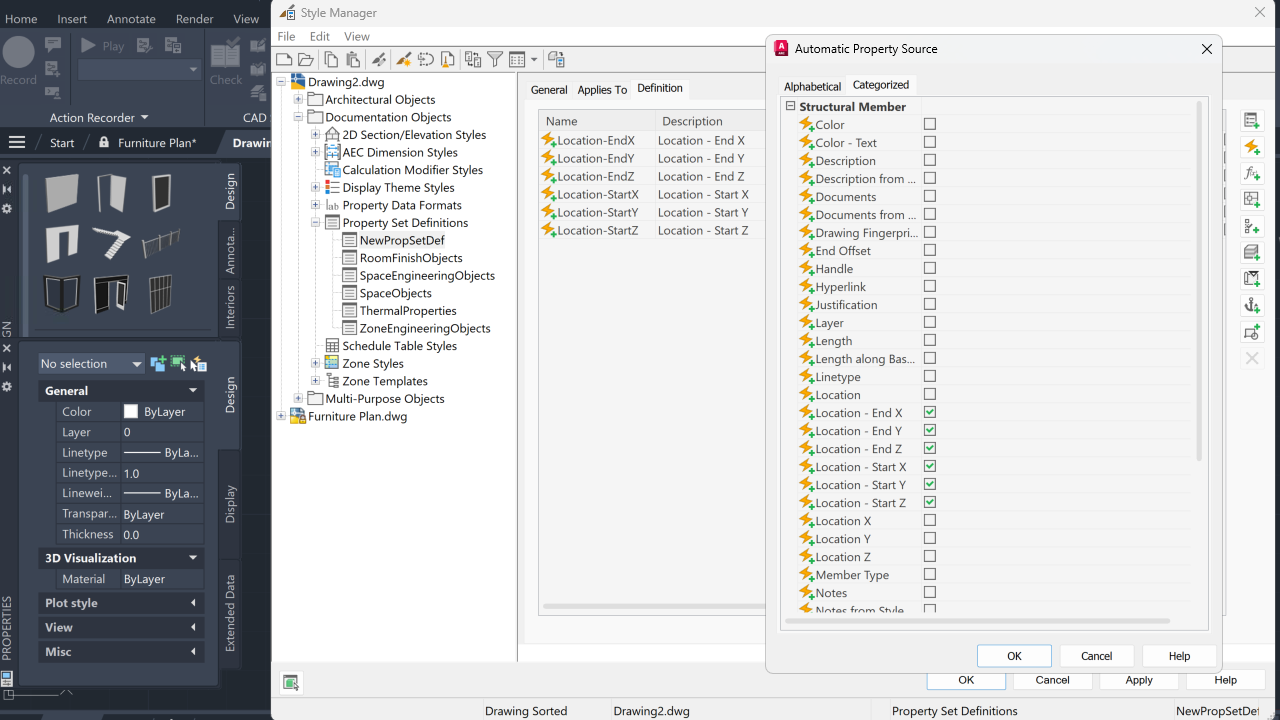
- Using LISP functions that access the Property Set data
Product Branding: The product year is displayed on the Start tab now consistently and matches the actual product year.
Escarpment Tool: Repeated use of the Escarpment tool now behaves as expected.
Property Sets: Custom property sets for label curves now display their customization correctly.
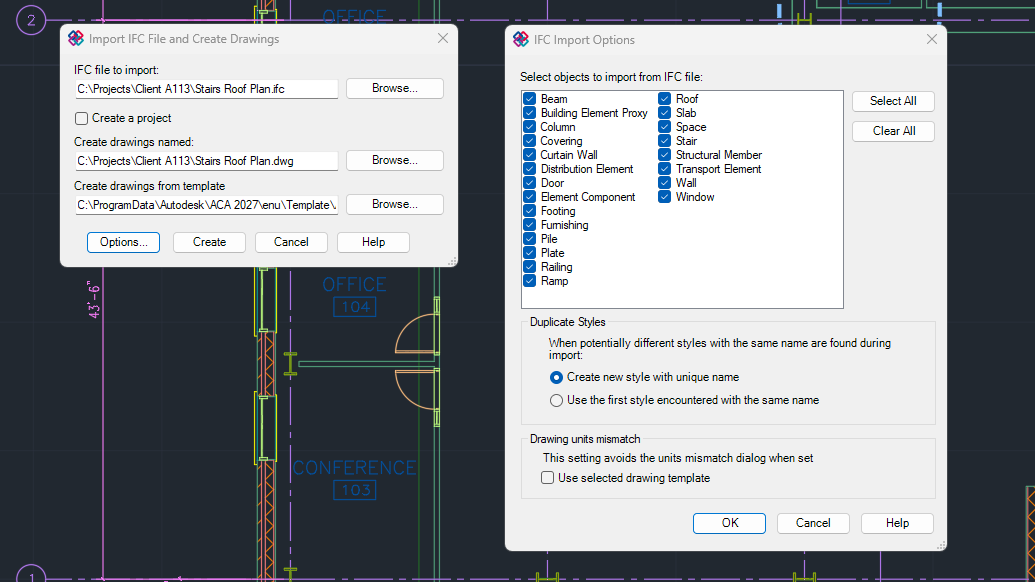
IFC: IFC files now correctly retains the layer attribute for all objects.
Additional enhancements and changes
Layout Tab Switching Performance: Improvements were made to reduce the amount of time it takes to switch layout tabs.
3D Graphics System Enhancements: The 3D graphics system (GSF), controlled by the FASTSHADEDMODE system variable, now provides a more stable and efficient experience. These updates improve visual fidelity by better supporting large coordinates, occluded edges, materials, lights, textures, shadows, sky, and backgrounds. Additionally, the Realistic (Fast) visual style is now on by default.
Removal of Support for AutoCAD Web & Mobile: The Open From Web & Mobile (OPENFROMWEBMOBILE) and Save To Web & Mobile (SAVETOWEBMOBILE) features have been removed from this release. If you previously saved your drawing files to AutoCAD Web & Mobile, it's recommended to utilize Forma Data Management to store and access drawing files anywhere.
Removal of Shared Views: The Shared Views feature has been removed from this release. If you previously used Shared Views, it's recommended to utilize Forma Data Management to store and share drawing files with others.
Push to Forma Data Management Replaces Push to Autodesk Docs: The Push to Autodesk Docs feature has been updated to Push to Forma Data Management. New commands and system variables were introduced to display and close the Push to Forma Data Management palette.
Removal of Support for the MrSID Image Format: Image files saved in the MrSid format can no longer be attached to a drawing file. MrSID images will need to be saved to a supported file format and reattached.
Removal of Support to Create a PostScript File: The PSOUT command has been removed in this release and the EXPORT command no longer supports the ability to export to the format. If you need to create a PostScript file from a drawing, configure a PC3 file according to the output needed.