
Workspace Bar
Toggles the Workspace Bar at the bottom of the Alias main window on and off. When on, the Workspace Bar lets you quickly switch between different workspace layouts.
By default, the Workspace Bar includes:
- Default
- Subdivision
- Visualization
- Markup
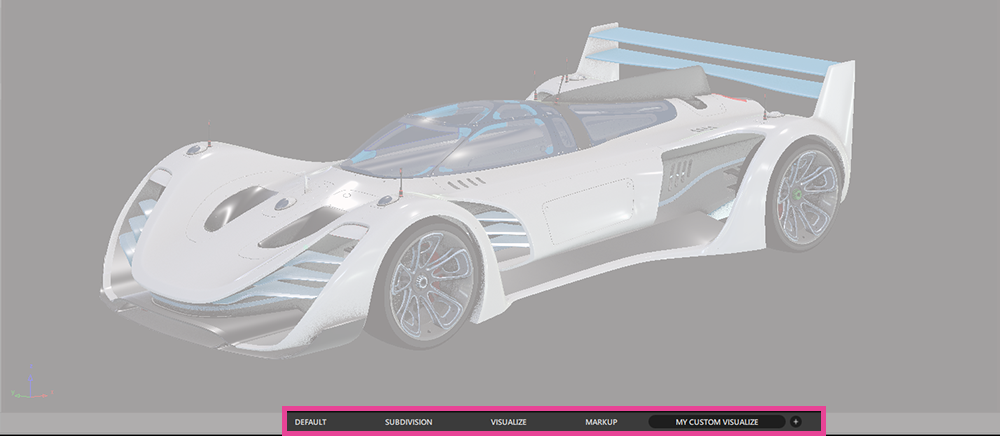
Any custom workspaces you create are automatically added to the Workspace Bar. Click the plus icon at the end of the bar to duplicate the current  workspace. You can then customize the duplicated workspace as needed.
For more information see, Multiple Workspaces.