
Adjusting Normals
When using transparency with 3D models, you may sometimes see the back polygons, giving the model a shattered or broken look. This happens when the drawing priority of the normals is not sorted properly. Enable Sort and select an option from the Sort Order drop-down to sort the drawing priority back to front or front to back.
| Drawing order of the 3D model's polygons is incorrect. Back polygons are drawn through when the model is transparent. | 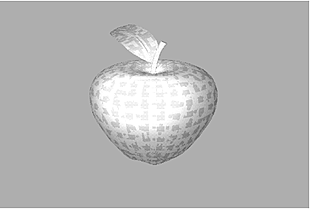 |
| Select Front to sort the polygons front to back. The transparency is drawn correctly. | 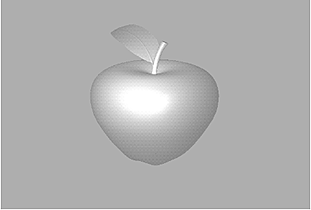 |