Autodesk Bridge Design for
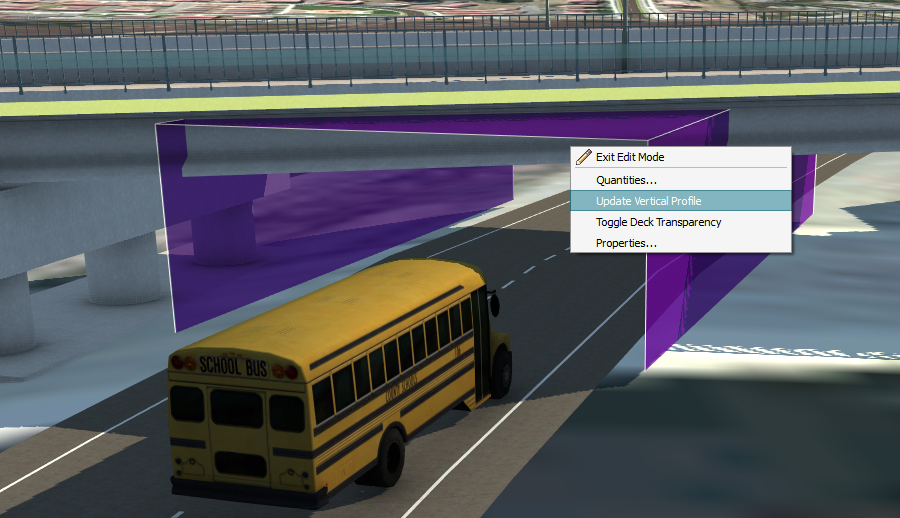
InfraWorks 360 helps you explore preliminary bridge design options in the context of your overall infrastructure design project.
- Add or modify bridges in a model or proposal.
- Review and modify bridge properties.
- Create and edit bridge styles.
- Adjust foundations, clearances, pier distances, and number of piers.
- Choose from a catalog of parametric component parts for abutments, piers, and pier foundations. You can also modify abutment component style settings, modify pier component style settings, and modify pier foundation component style settings.
- Review material quantities for a selected bridge or individual bridge component.
- Perform line girder analysis and design on all pre-stressed girders for a selected bridge (offered as a preview cloud service).
- Open your bridge design in Autodesk AutoCAD Civil 3D. See About Exchanging Data with AutoCAD Civil 3D.
See the Bridge Design Video Playlist for more information.