Problem Reports
Note:
For users with Fusion connected sites, references to the 'Items' workspace should be the 'Components' workspace.
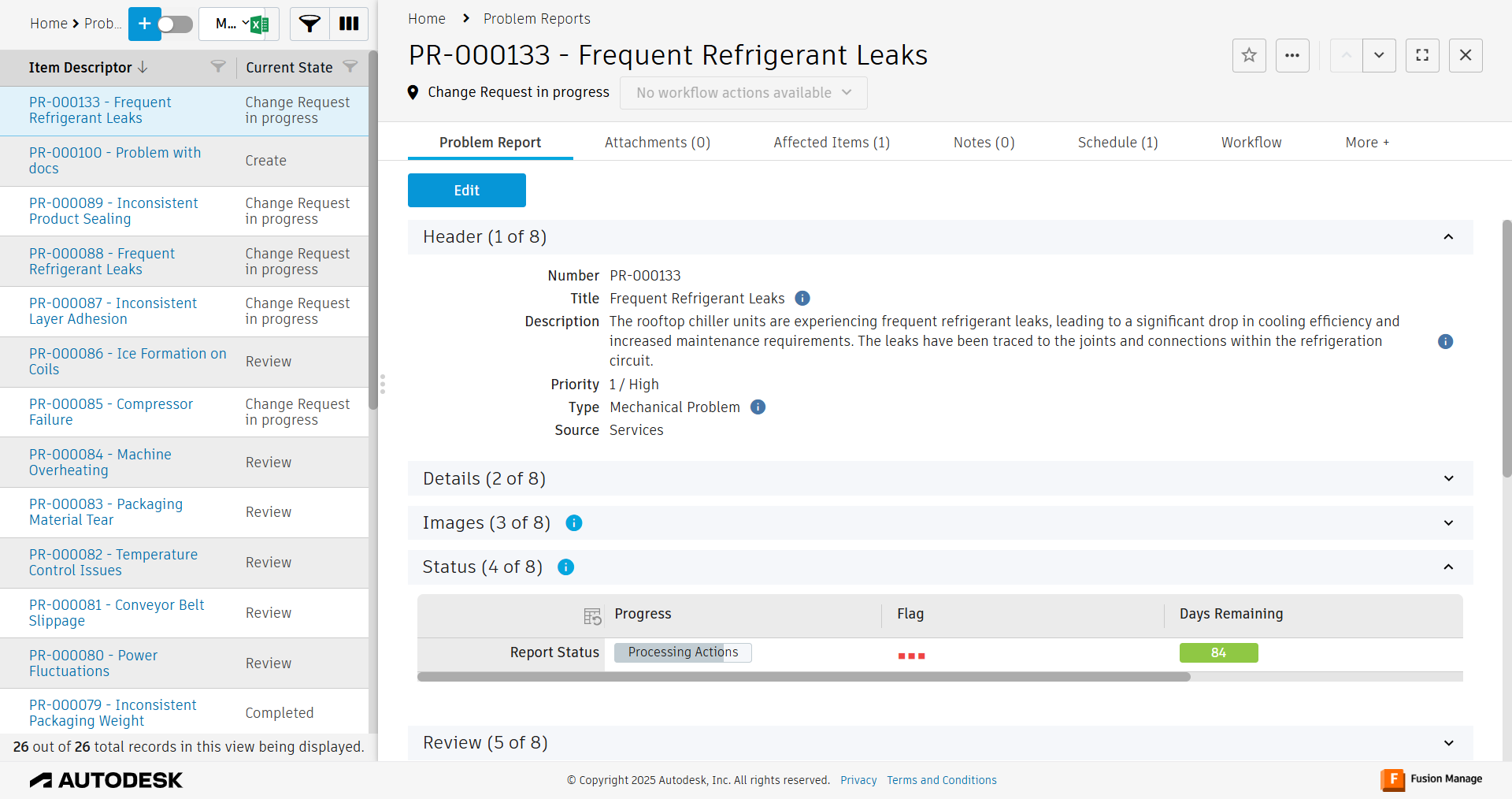
The Problem Reports workspace enables you and your team to capture all problem reports identified by your organization. Use a problem report to document, analyze, and resolve issues. When you create a problem report, you can describe, prioritize, and categorize it. The process involves an initial review and an optional technical analysis. You can also use a problem report to automatically derive a subsequent change request. They may be created by anyone with a Problem Reports [C] or Problem Reports [R/W] role.
Problem reports involve three stakeholders.
- The creator / owner of the report who provides all relevant details. This person is notified about the report’s progress automatically at defined transitions.
- A reviewer who will analyze the report within a defined time frame. The reviewer decides about next steps and may also request further details from the problem report creator / owner.
- A technician may be involved if there is a technical problem. This person provides feedback and may initiate a follow-up CAPA and or change request if required.