
Error Messages in Update Dialog Box
Sometimes after making a change in TruPlan, the Update dialog box opens and shows you any errors that have been detected; for example after creating a strategy.
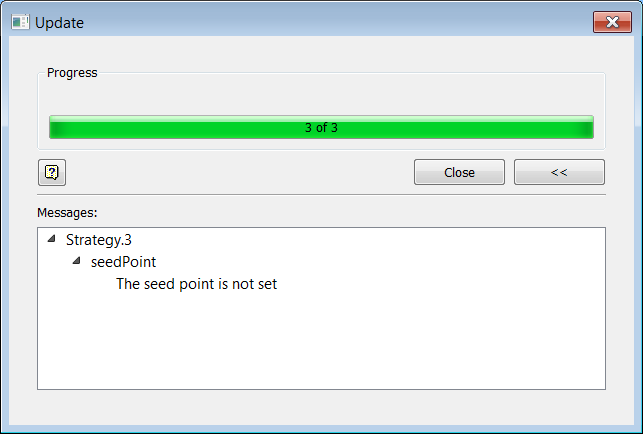
Some errors can be corrected with an action.
| Message | Action |
|---|---|
| Value is out of bounds (add strategy) | In the Strategy dialog box, select a seed point or curve that is inside the ply boundary. |
| One of the boundaries is too close to the edge of the surface (add strategy) | Decrease the tow width or number of tows so that the surface extends past the ply boundary by at least one bandwidth. |
| Surface is malformed - vertex has multiple edge convergence | Re-tessellate the surface with "Enable Refinement" deselected. |
| Intersection failed | In the Strategy dialog box, set Maximum Overlap to 0. |
| Curve dose not match | In the Strategy dialog box, set Boundary Tow Overlap to 50%. |
| The seed point is not set | In the Strategy dialog box, set a seed point or curve for the strategy. |