
Replace Shader
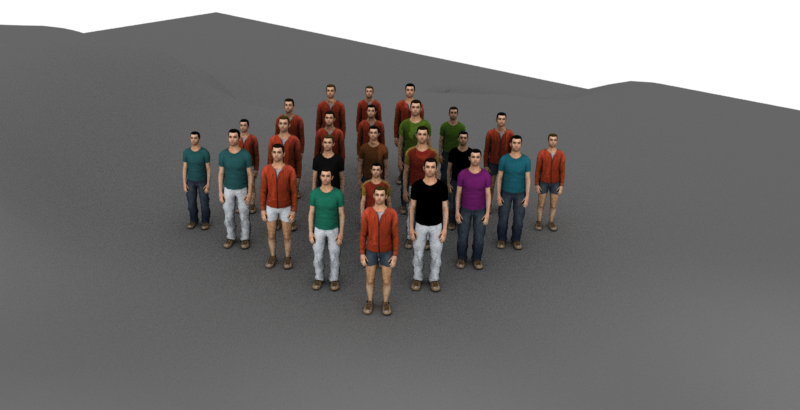
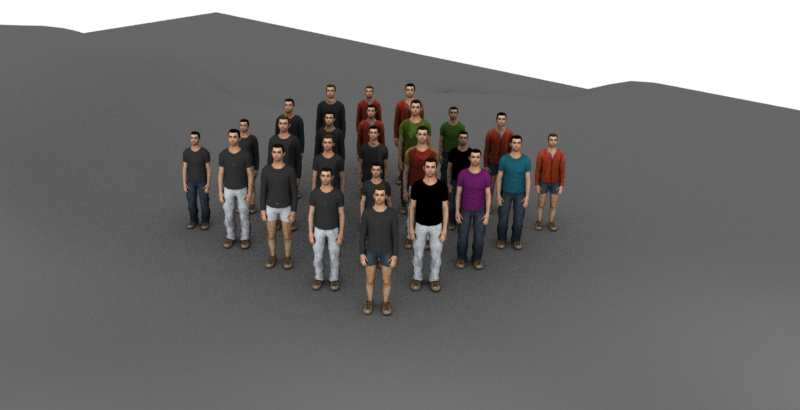
original, and result of a ReplaceShader layout node on guys with a
black shader
The ReplaceShader node lets you lets you replace Shaders on specific entities. This operation takes a list of old/new shader names and applies to selected entities when the operation is created. The syntax is : *oldShadeName;newShaderName; *and can be chained for several replacements. Note that these replacement chains will be used for shader group name AND surface shader names (both can be used, depending on the rendering engine)
Add node
- Drag the ReplaceShader node icon
 from the Nodes Library panel and drop it in the Layout Graph Edition panel
 - Hit the Tab key in the Layout Graph Edition panel and select the ReplaceShader option in the dropdown menu that appears
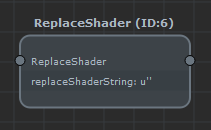
ReplaceShader node in the Layout Graph Edition panel
Node parameters
Parameters are accessible by double-clicking on the node in the Layout Graph Edition panel:
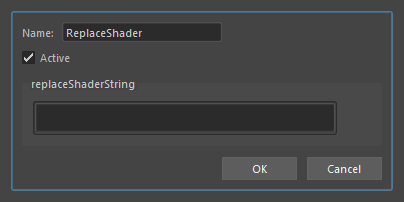
ReplaceShader node parameters
| Name | Name of the node |
| Active | Whether the node is active or not |
| ReplaceShaderString | The string oldShaderName;newShaderName;[oldShaderName2;newShaderName2;][etc.] For instance, the illustration image for this node was done with the string MAN_MD_torso_tshirt;MAN_MD_flag_stickFlag;MAN_MD_torso_sweatshirt;MAN_MD_flag_stickFlag You can use the '*' wildcard for the oldShaderName to replace all the Character File shaders at once. |