
Set Frame

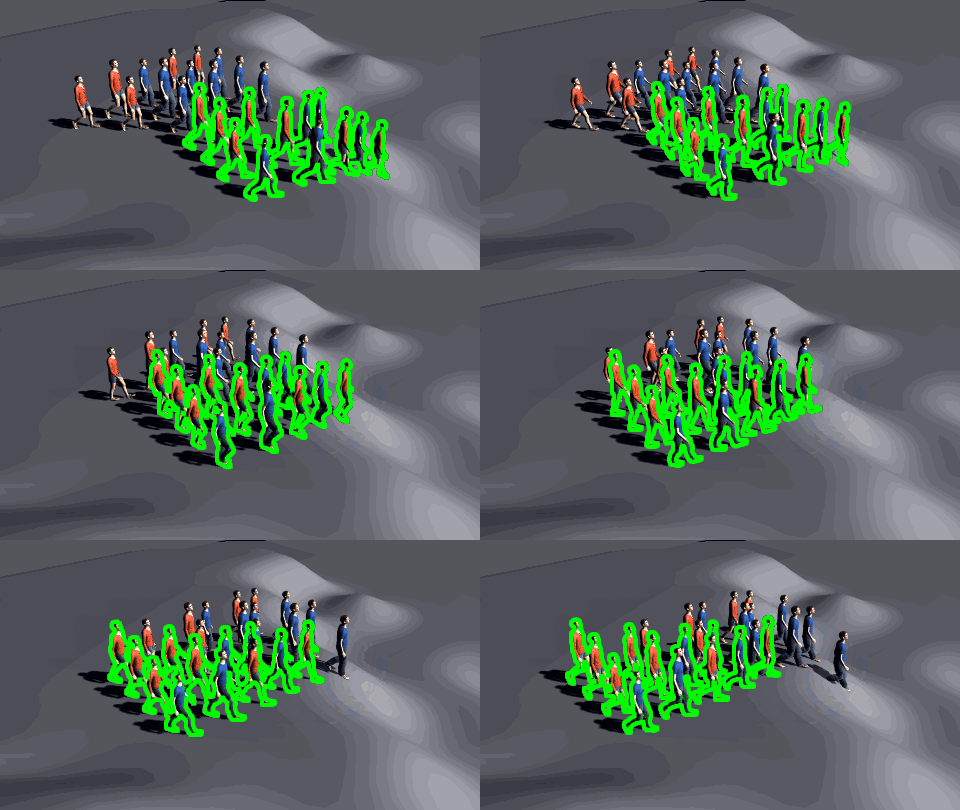
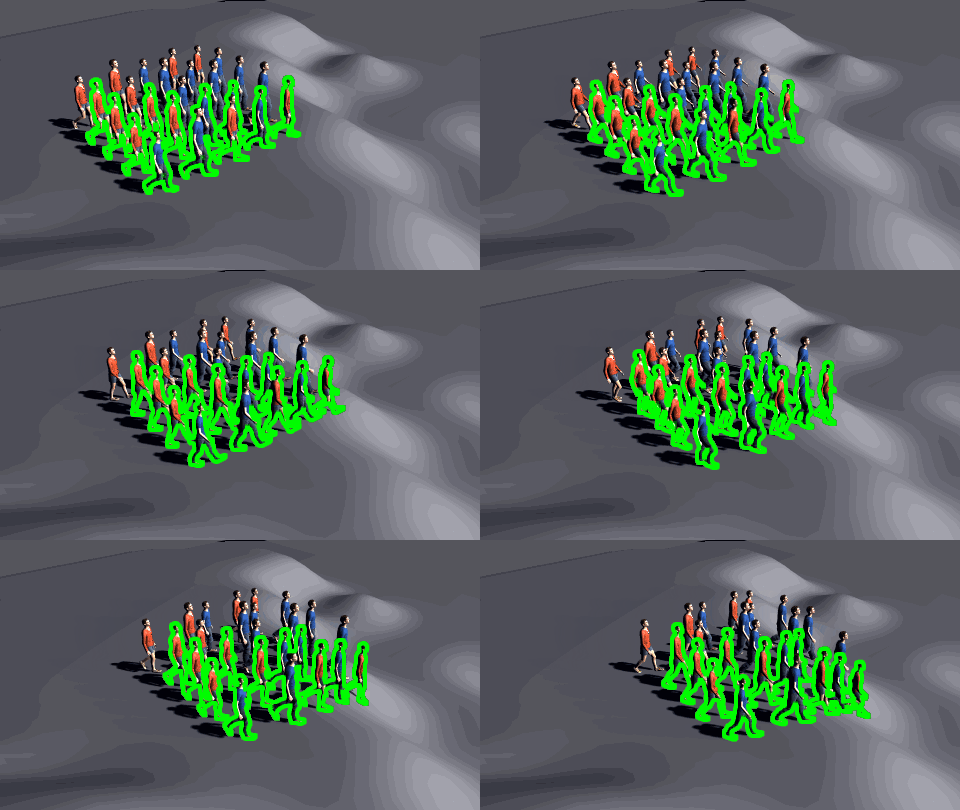
Different possible results of a Set Frame layout node.
Base simulation is on the left side, SetFrame node configured for a
reverse effect in the middle, and SetFrame node configured for stop
motion effect on the right side
The Set Frame node lets you directly set the cache frame used for the affected Entities.
Add node
- Drag the Set Frame node icon
 from
the Nodes Library panel and drop it in
the Layout Graph Edition panel
from
the Nodes Library panel and drop it in
the Layout Graph Edition panel - Hit the Tab key in the Layout Graph Edition panel and select the Set Frame option in the dropdown menu that appears
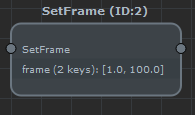
Set Frame node in the Layout Graph Edition panel
Node parameters
Parameters are accessible in the Attribute Editor panel by selecting the node in the Layout Graph Edition panel:
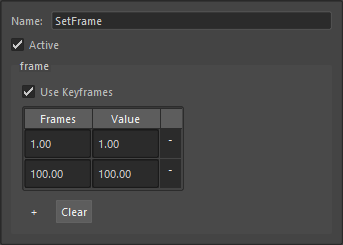
Frame Offset node parameters
| Name | Name of the node |
| Active | Whether the node is active or not |
| Frame | Frame to use for the affected entities. It is best using keyframes values to change the displayed frame each frame, otherwise the entities will be locked on the given frame This parameter is keyframable, check the page explaining how to handle the keyframes in Maya |